 Sketcha
Brush engine
Pressure, tilt and velocity drive size, opacity and taper. Build your own in Brush Studio.
iPad · iPhone · Android
A complete drawing and frame-by-frame animation studio — and the first one you can walk into.
Free to use. No account, no ads. Anonymous usage stats you can switch off.
Sketcha Space
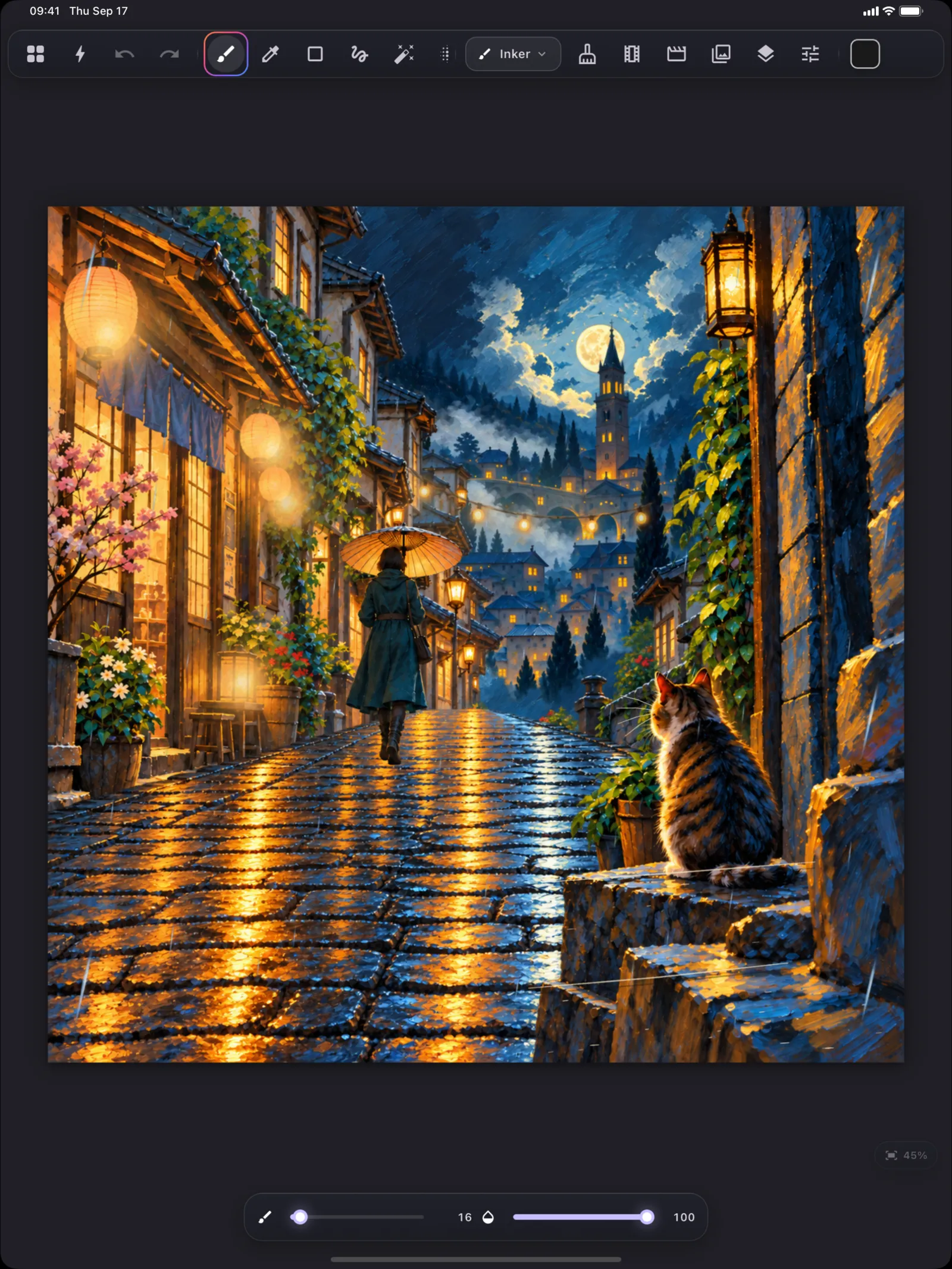
Give every layer depth and tilt, then orbit around your own drawing. This is genuine 3D, not a parallax trick — the page dissolves into open space, a perspective grid sweeps beneath you, planes foreshorten as you turn, and foregrounds swell past the camera. No other full drawing studio does this.

Fly to any layer and land on it exactly 1:1 — tilted or not — and keep drawing.
Frame a viewpoint, name it, and jump straight back to it whenever you want.
Turn those views into a rendered camera move and export it as a video.

Saved viewpoints sit in reach while you draw.
The studio
Pressure, tilt and velocity drive size, opacity and taper. Build your own in Brush Studio.
Raster and vector, 27 blend modes, masks, groups, symbols, text and shapes.
Frame by frame with onion skin and a light table, or keyframes with bezier easing.
Bones with IK and smooth weights, morph layers, motion paths and a keyframed camera.
Import an audio track and set mouth keys against it, frame by frame.
PNG, PNG sequence, GIF, MP4, sprite sheet, time-lapse and rendered Space flythroughs.
Brushes and textures pack into a plain .sketchakit file anyone can build, share or sell.
No account, no sign-in, no cloud. Your artwork never leaves your device — only anonymous usage stats do, and you can switch them off in Settings.

Brush Studio exposes grain, dual texture, scatter, jitter, colour dynamics, pressure and tilt response graphs, and four render modes — the same controls the built-in brushes are made from.
Sketcha Pro
The core studio is free, and that includes drawing, orbiting and bookmarks in Sketcha Space. Pro adds multiple scenes per project, bone rigging with IK, morph and lip-sync animation, authored Space flythroughs, and MP4, sprite sheet and time-lapse export.
Monthly
Yearly · 7-day free trial
Own it forever
No watermark on anything you export, free or paid. No ads. Nothing you have already made stops working because you did not upgrade.
Who makes this
Sketcha is built by Gambit, a one-person studio in Türkiye. There is no growth team behind it and no investor deck — only a long list of things that should feel better on a tablet, worked through one at a time. If something is wrong, you can write to the person who wrote the code.